Which map sources support this preview?
How each reference is used
Each publication below supports a specific subset of the records. Open the reference attached to a location to inspect its context. These map sources are not game telemetry, a coordinate feed or evidence that the publisher endorses the atlas. We retain stable record identifiers so a correction can refer to the same entry after its note changes.
PowerPyx · Crimson Forest collectibles
11 recordsattributed in this preview. Used for brief name and access references; original images and full marker databases have not been imported.
Read PowerPyx reference ↗Mobalytics · Crimson Forest guide
4 recordsattributed in this preview. Used for brief name and access references; original images and full marker databases have not been imported.
Read Mobalytics reference ↗AllThingsHow · Bell locations
1 recordattributed in this preview. Used for brief name and access references; original images and full marker databases have not been imported.
Read AllThingsHow reference ↗How to interpret map sources and verification labels
A reference is not a surveyed position
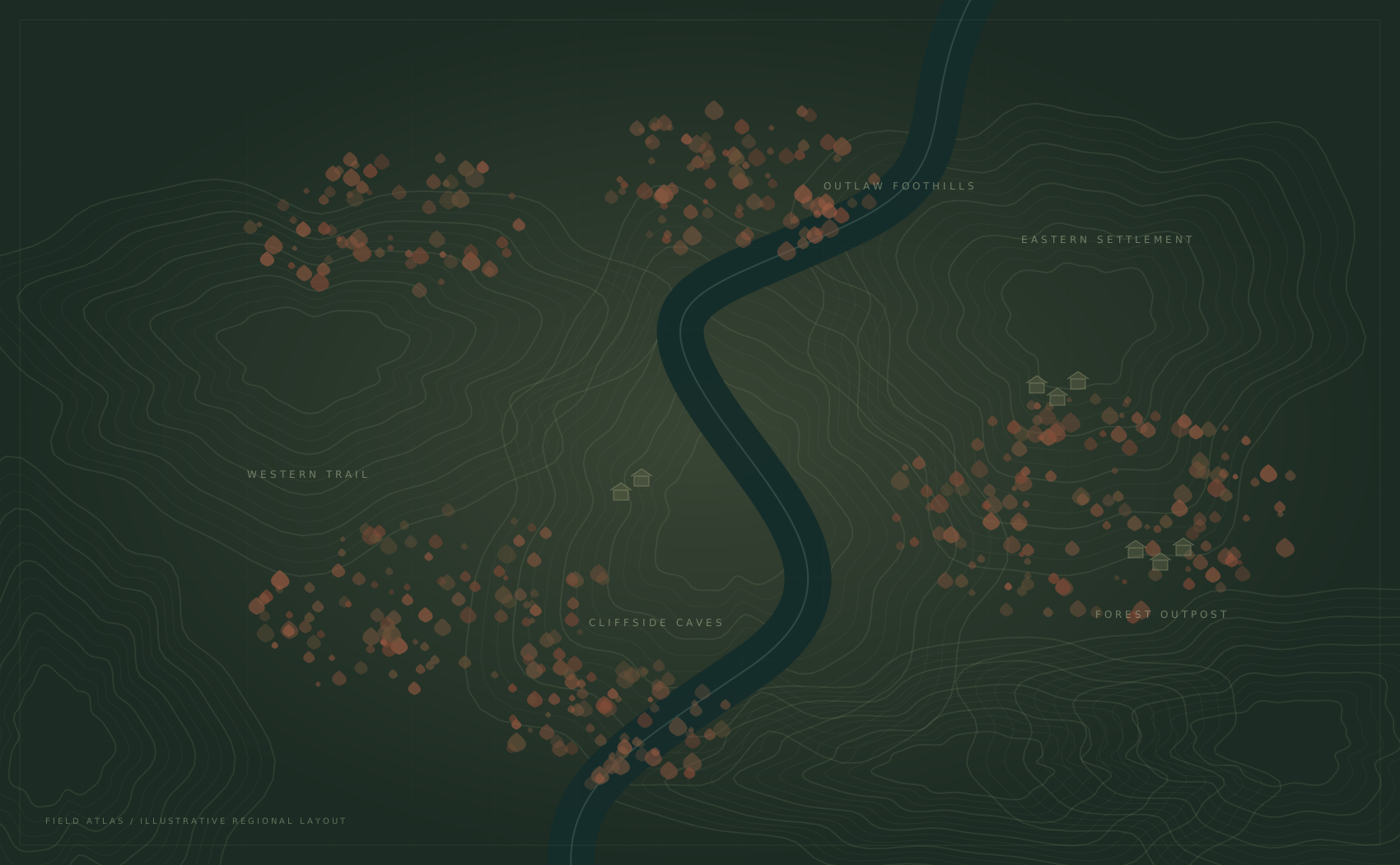
The map sources provide names and short descriptions. Our drawing provides a readable workspace for the checklist. Those are separate layers of information: a correctly named landmark can still have an illustrative position on this diagram. Do not infer real distance, elevation or a traversable connection from the placement of two markers.
The area labels are organizational descriptions chosen for this preview. They are not a complete or official set of in-game subregions. Similarly, the completion bar measures only this collection. Finishing every included record says nothing about collectibles that have not been added to the atlas.
Conflicting references need context
Compare the relevant paragraph, game version, visit and access requirement before treating different notes as a contradiction. A guide may describe a later return while another describes a first visit. The map sources should be read in their original context; a short card cannot carry every progression assumption.
We do not silently average incompatible totals or invent a precise location when evidence is missing. The appropriate next step is a correction report with the affected record and a reference another person can inspect. An unresolved discrepancy should remain an uncertainty until it can be checked.
Trace one entry through the source ledger
Start with a location in the list and open its detail card. Record the stable identifier from its share link, then follow the source attached to that same card. This keeps the comparison tied to one entry instead of a similarly named place. Read the relevant section in context and separate its name, directions and access conditions before proposing any edit.
Next, compare the brief note with the linked passage. If the note omits a condition, describe that omission precisely. If you cannot identify the relevant passage, record that uncertainty instead of assuming the entry is confirmed. This process reviews attribution and wording only: it does not verify the diagram’s geometry. A checklist mark records your own progress and never changes the evidence label for other visitors.
What a future verification record needs
Before an entry can be described as independently verified, its name, access condition and position need supporting observations from the game. A meaningful record would identify the version, the point of reference and the evidence used to place the marker. A publication date alone cannot establish that a coordinate was measured.
A replacement base map also needs a clear usage basis and a coordinate system compatible with the recorded positions. The existing map sources do not grant a license to copy entire images or databases. Our original SVG is a schematic and must continue to be labelled that way until a properly checked replacement is available.
How can I check or correct map sources?
Use Map corrections to prepare one specific issue. Include the marker name, what appears wrong and a public reference. The helper creates a local TXT draft; it does not upload it or promise a response. Read About for the editorial status and Privacy for data handling.
Return to the Crimson Forest map to inspect a record, use the field guide for a worked workflow, or check Help for backup recovery. The free-access page explains the current limits independently of these map sources.